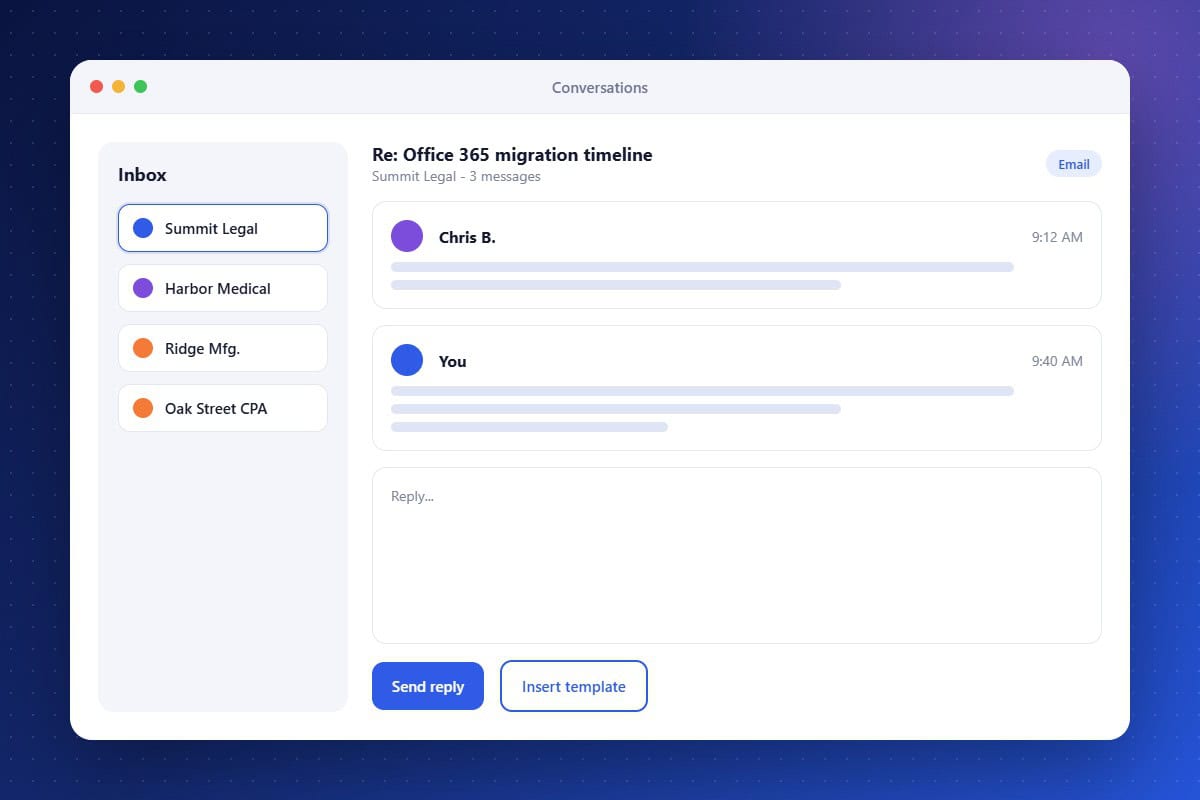
Important client conversations get buried when email lives in individual inboxes. 2-Way Email brings them into the CRM. Connect your mailbox or sending domain, then send and receive messages from the same inbox you use for texts and chats. Each thread is attached to the contact, so anyone on your team can see the full history before they reply. Use templates to answer common questions quickly and assign conversations to the right team member.
Connected Mailboxes
Send and receive email from your own business address.
Full Contact History
Keep every email thread attached to the client record.
Unified Inbox
Handle email alongside SMS, chat, and social messages.
About the 2-Way Email Feature in Audidev CRM
2-Way Email connects your business mailbox to the CRM. Send and reply to emails from contact records, see incoming messages in a unified inbox, and keep every thread attached to the right client.
Supporting Key Roles in Your Organization
Respond with Context
See past conversations before replying to a client.
Collaborate Easily
Assign email conversations to the right team member.