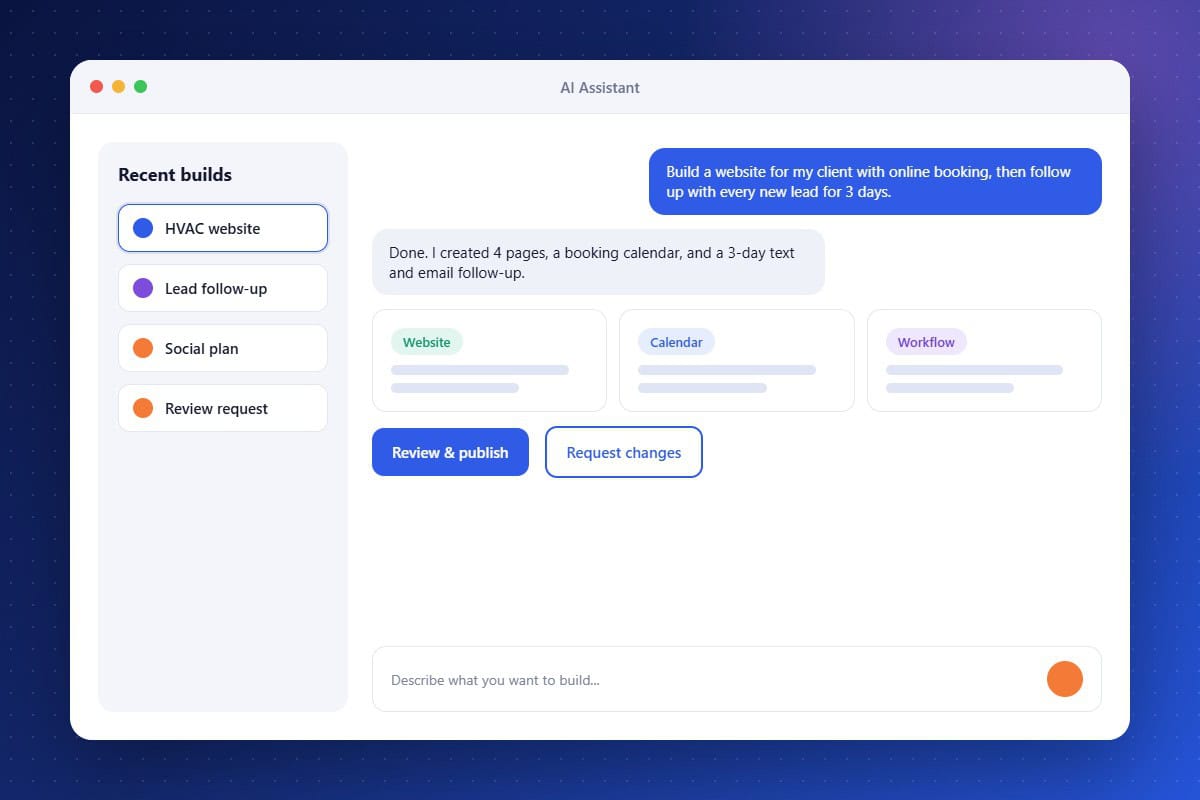
The AI Assistant removes the learning curve from running a full marketing and sales platform. Instead of mapping workflows by hand or hunting through menus, you describe what you want in your own words. The assistant builds a working first version of websites, funnels, email campaigns, social posts, and automations, all connected to your contacts and pipelines. You stay in control: review every change, refine it in conversation, and publish only when you are satisfied. For IT firms with small teams, it turns hours of setup into minutes.
Build by Conversation
Create sites, funnels, campaigns, and automations by describing the outcome you want.
Review Before Publishing
Preview every change, request edits in plain language, and launch when you approve.
Connected to Your CRM
Everything it builds uses your real contacts, pipelines, calendars, and templates.
About the AI Assistant Feature in Audidev CRM
The AI Assistant is your in-app builder and operator. Describe an outcome, such as a lead capture site with follow-up, and it creates the pages, forms, automations, and messages inside your CRM, then changes them whenever you ask.
Supporting Key Roles in Your Organization
Launch Faster
Go from idea to a working campaign or client system in minutes instead of days.
Skip the Learning Curve
Get results without mastering every module, menu, and setting in the platform.
Do More with a Small Team
Let one person handle work that used to take a marketer, a designer, and an admin.