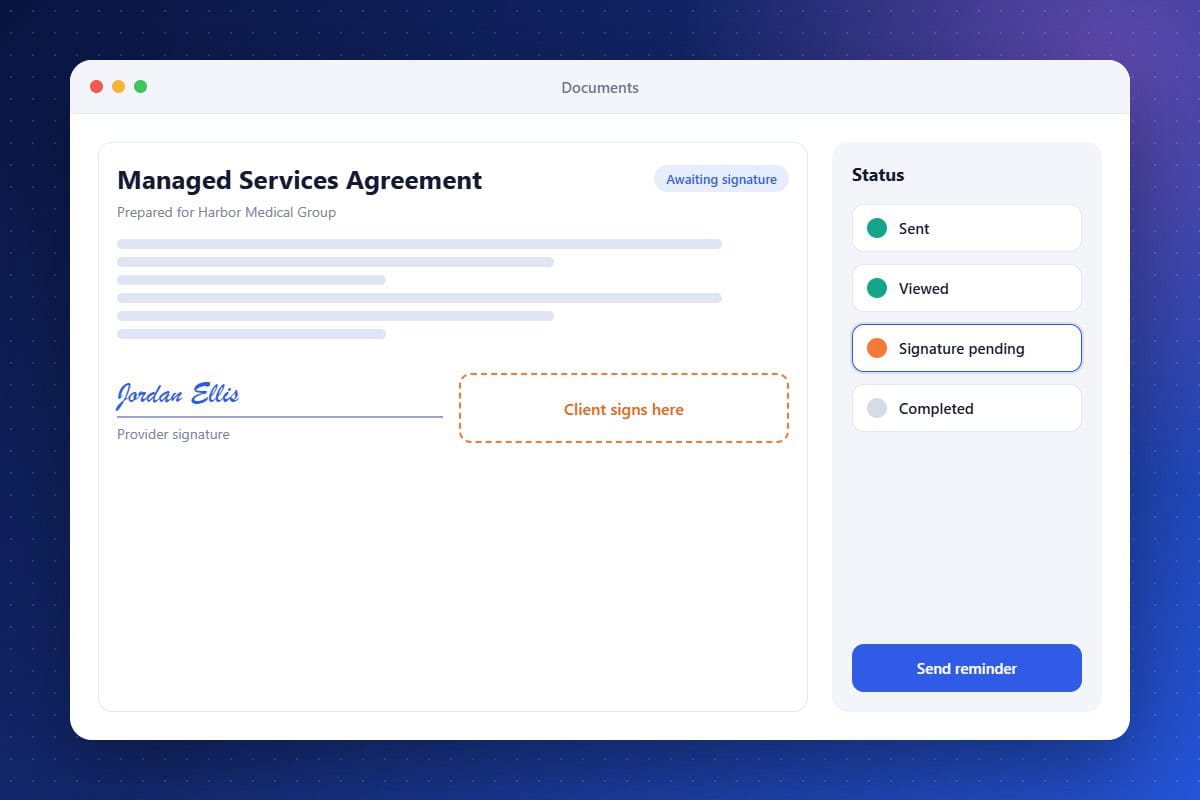
Proposals and service agreements stall when clients have to print, sign, and scan. Contract Signing keeps deals moving. Build documents from reusable templates with contact details filled in automatically, send them for e-signature, and see when they are opened and signed. A signed contract can trigger the next steps automatically, such as sending an invoice, creating onboarding tasks, and moving the opportunity to won.
Reusable Templates
Create agreements and proposals from saved templates.
Automated Next Steps
Trigger invoicing and onboarding once a contract is signed.
Status Tracking
Know when documents are sent, viewed, and signed.
About the Contract Signing Feature in Audidev CRM
Contract Signing lets you send documents for electronic signature without a separate e-sign tool. Create agreements from templates, track their status, and start onboarding the moment a client signs.
Supporting Key Roles in Your Organization
Close Deals Faster
Remove friction from the final step of the sale.
Stay Organized
Keep signed agreements with each client record.
Start Projects Sooner
Kick off onboarding as soon as the signature arrives.