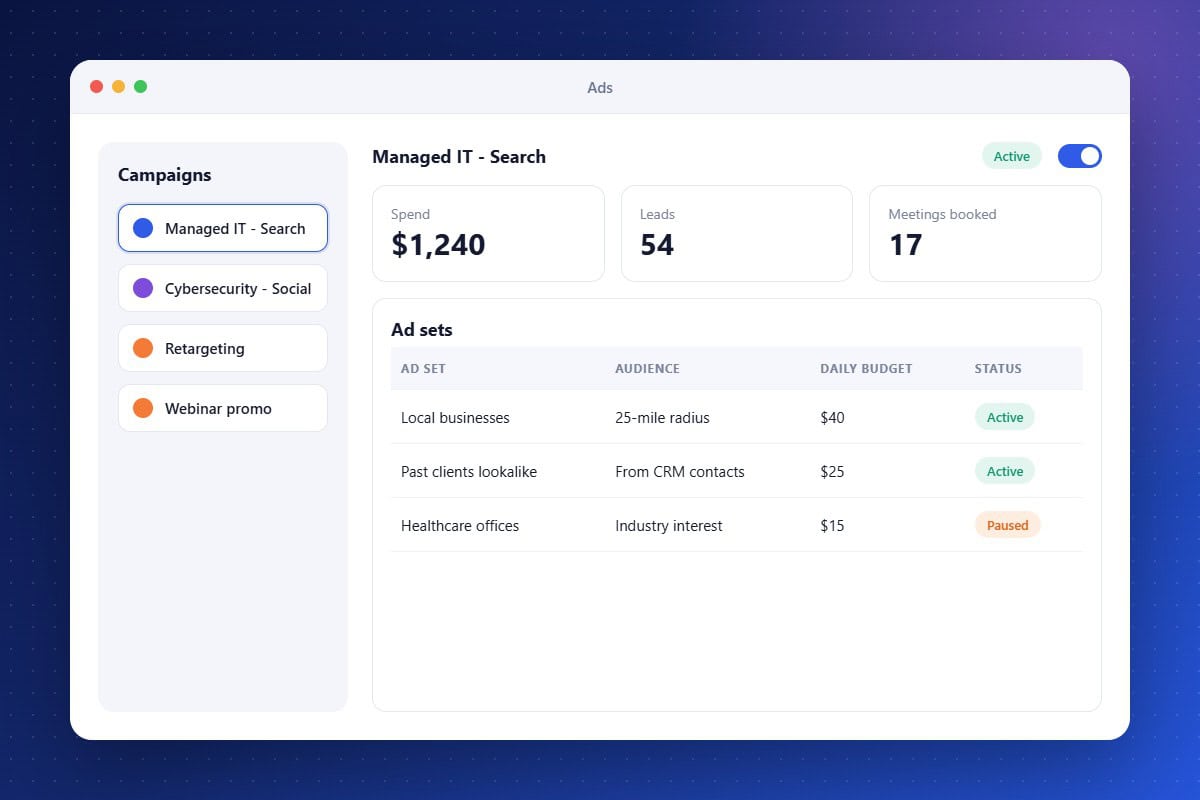
Running ads in a separate platform makes it hard to know which campaigns produce actual clients. Ad Management connects your ads to your CRM. Create campaigns, build audiences from contact lists, estimate reach, and adjust budgets or pause ads from one dashboard. Because leads flow into the same system, you can follow each ad click through to booked meetings and closed deals.
Campaign Creation
Build and launch ads without switching platforms.
Performance Insights
Track spend, results, and lead quality in one place.
CRM-Based Audiences
Target or exclude audiences built from your contacts.
About the Ad Management Feature in Audidev CRM
Ad Management lets you build and run ad campaigns from inside the CRM. Create ads, target audiences built from your contact data, manage budgets, and connect ad performance to real leads.
Supporting Key Roles in Your Organization
Spend Smarter
See which ads produce real opportunities, not just clicks.