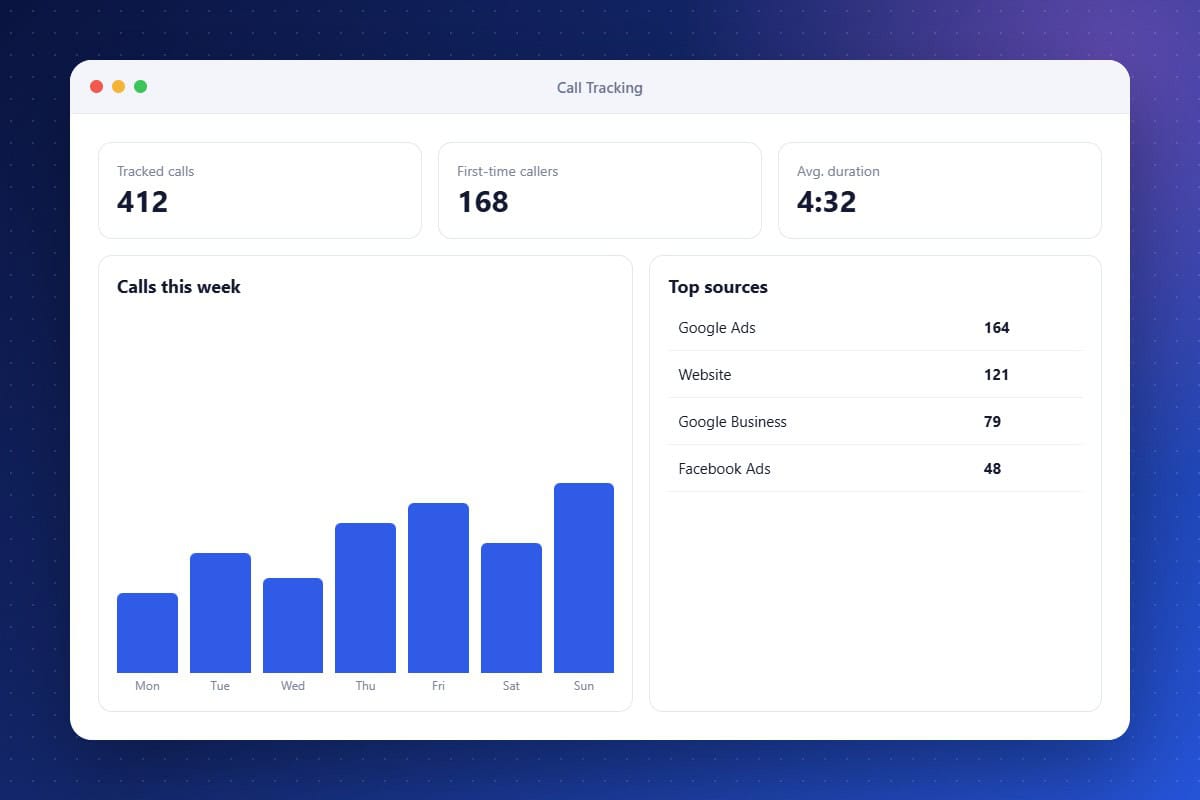
For many IT firms, the most valuable leads call instead of filling out a form, which makes marketing attribution difficult. Call Tracking & Analytics solves this by assigning tracking numbers to ads, landing pages, and campaigns. Every call is logged with its source, duration, recording, and outcome, then tied to the contact and opportunity in your CRM. Reports show which channels deliver the best calls so you can shift budget with confidence.
Source Attribution
Assign tracking numbers to see which campaigns generate calls.
Marketing Reports
Compare call volume and quality across channels.
Call Recordings and Outcomes
Review calls and record results tied to each lead.
About the Call Tracking & Analytics Feature in Audidev CRM
Call Tracking & Analytics connects phone calls to the marketing that produced them. Assign tracking numbers to campaigns and see which sources drive calls, how long they last, and which turn into revenue.
Supporting Key Roles in Your Organization
Prove Marketing ROI
Show exactly which campaigns produce phone leads.
Cut Wasted Spend
Move budget away from sources that do not generate calls.