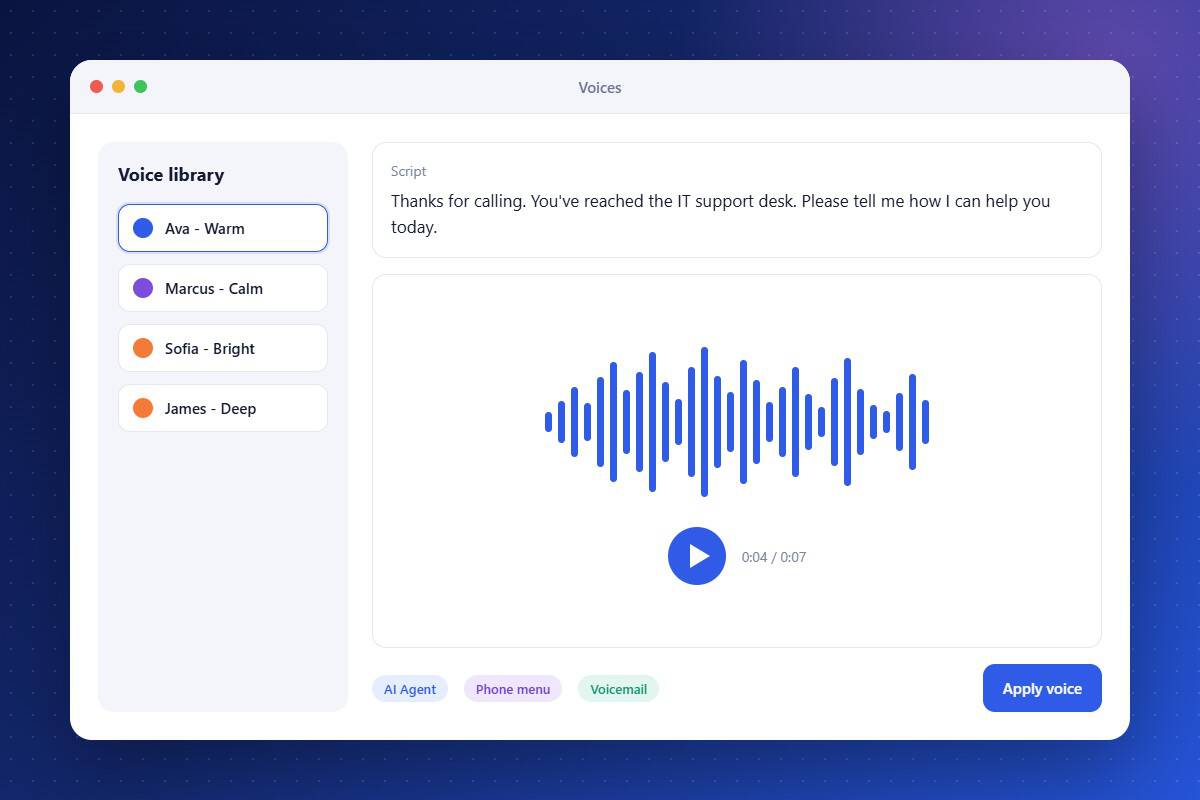
Robotic voices damage trust before a conversation even starts. Text-to-Speech gives your AI agents and phone system lifelike voices with natural pacing and tone. Pick from a range of voices, preview them, and apply them to agents, IVR menus, and recorded greetings. Update a script and the audio updates with it, with no recording sessions required. Callers get a polished experience that matches the professionalism of your IT services.
Lifelike Voices
Choose from natural voices with realistic tone and pacing.
Works Across Phone Tools
Use voices in AI agents, phone menus, greetings, and voicemail.
Instant Script Updates
Change the text and the audio updates without re-recording.
About the Text-to-Speech Feature in Audidev CRM
Text-to-Speech converts written scripts into natural-sounding audio. Choose voices for AI agents, phone menus, greetings, and voicemail drops so every caller hears a clear, professional voice.
Supporting Key Roles in Your Organization
Sound Professional
Give every caller a clear, consistent first impression.
Skip Studio Time
Produce voice prompts without booking talent or recording sessions.
Match Your Brand
Pick a voice that reflects how your firm wants to be heard.