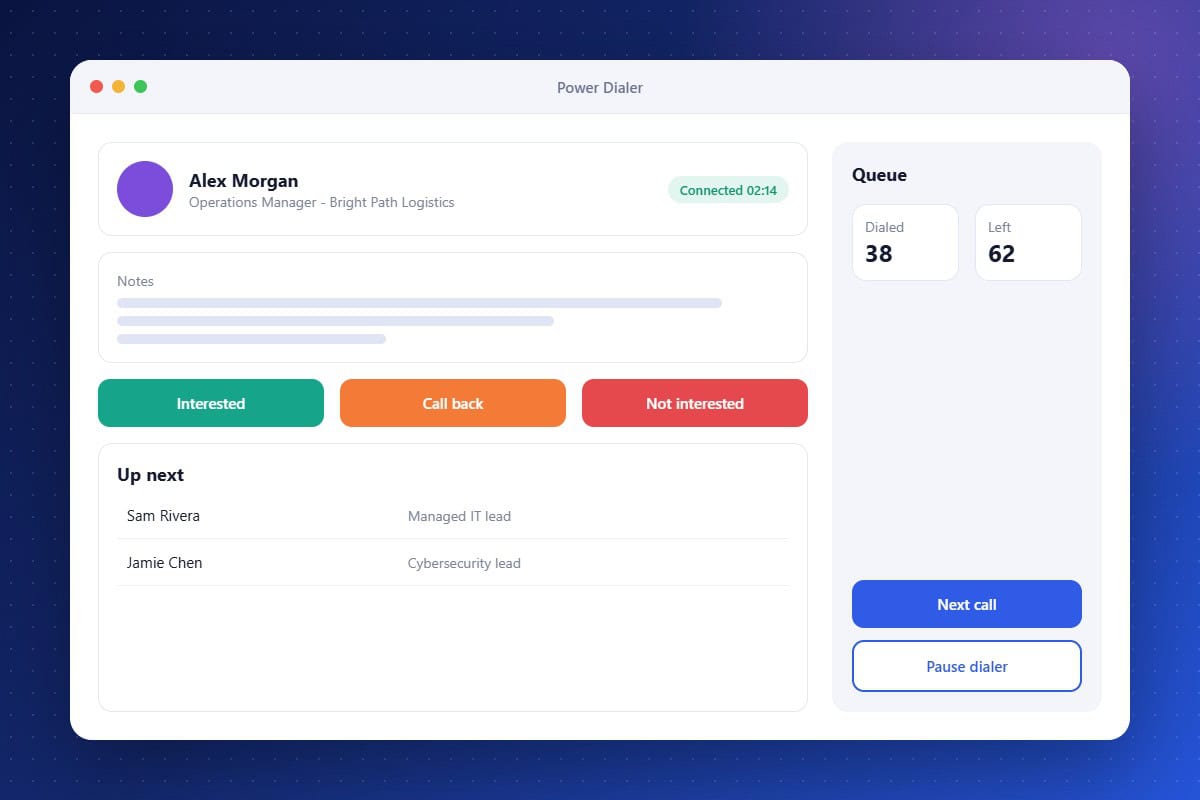
Manual dialing wastes a large share of a sales rep’s day. The Power Dialer removes that friction by loading a list of contacts from your CRM and dialing them one after another. Reps see the contact’s history before each call, take notes during the conversation, and log a disposition with one click before the next call starts. Managers get clear activity data, and every call becomes part of the contact’s record.
Back-to-Back Dialing
Automatically move to the next contact when a call ends.
One-Click Dispositions
Log outcomes and notes instantly to keep records accurate.
Context on Screen
See contact details and history before you say hello.
About the Power Dialer Feature in Audidev CRM
The Power Dialer helps your sales team work through call lists efficiently. Contacts are queued automatically, call details appear on screen, and outcomes are logged to the CRM after every call.
Supporting Key Roles in Your Organization
More Conversations per Hour
Reps spend their time talking, not dialing.
Better Call Prep
Every call starts with the full context of the relationship.
Clear Sales Activity
Managers can see calls made and outcomes logged across the team.